Connect Looker to DataGalaxy to give users the context, trust, and visibility they need—right where data-driven decisions happen.
Unified excellence with Looker & DataGalaxy
Business context within Looker
Display definitions, owners, glossary links, and usage context directly in dashboards and explores.
Trusted exploration
Support self-service exploration while keeping data aligned with policies, ownership, and business meaning.
Governed semantic models
Connect Looker to your catalog for transparency and alignment on metric definitions and logic.
Governance in the flow of analysis
Reduce confusion, eliminate silos, and empower users to act on trusted data without switching tools.
Add meaning to every Looker exploration
With DataGalaxy, business users can access definitions, ownership, and glossary terms directly from within their dashboards and explore.
No more second-guessing fields or asking for validation—teams can explore governed data confidently, with the context they need at their fingertips.
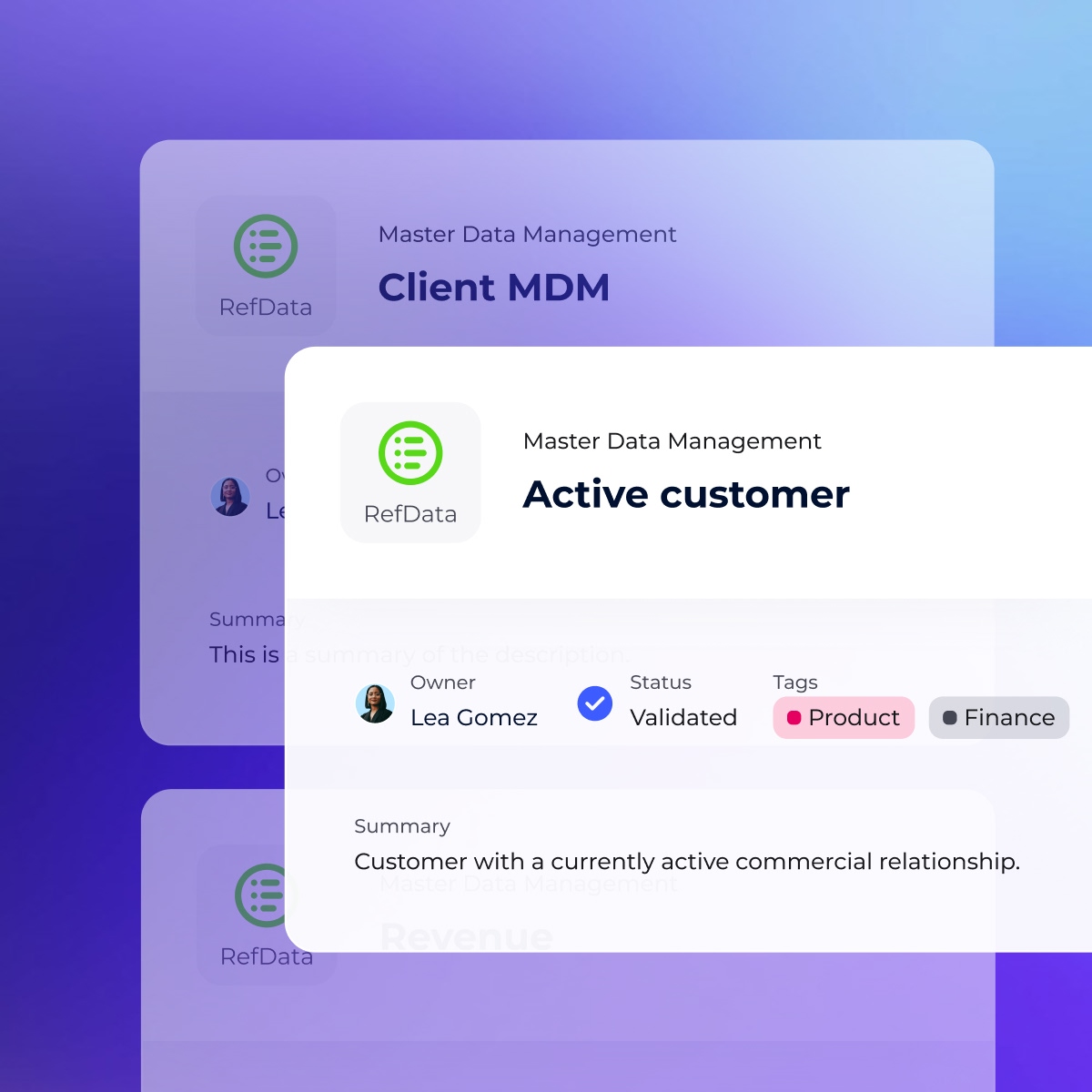
Connect Looker to governance
Link your Looker models to DataGalaxy’s glossary, lineage, and ownership structure.
Help teams understand how metrics are defined, where data comes from, and how it’s used across the business, without leaving Looker.
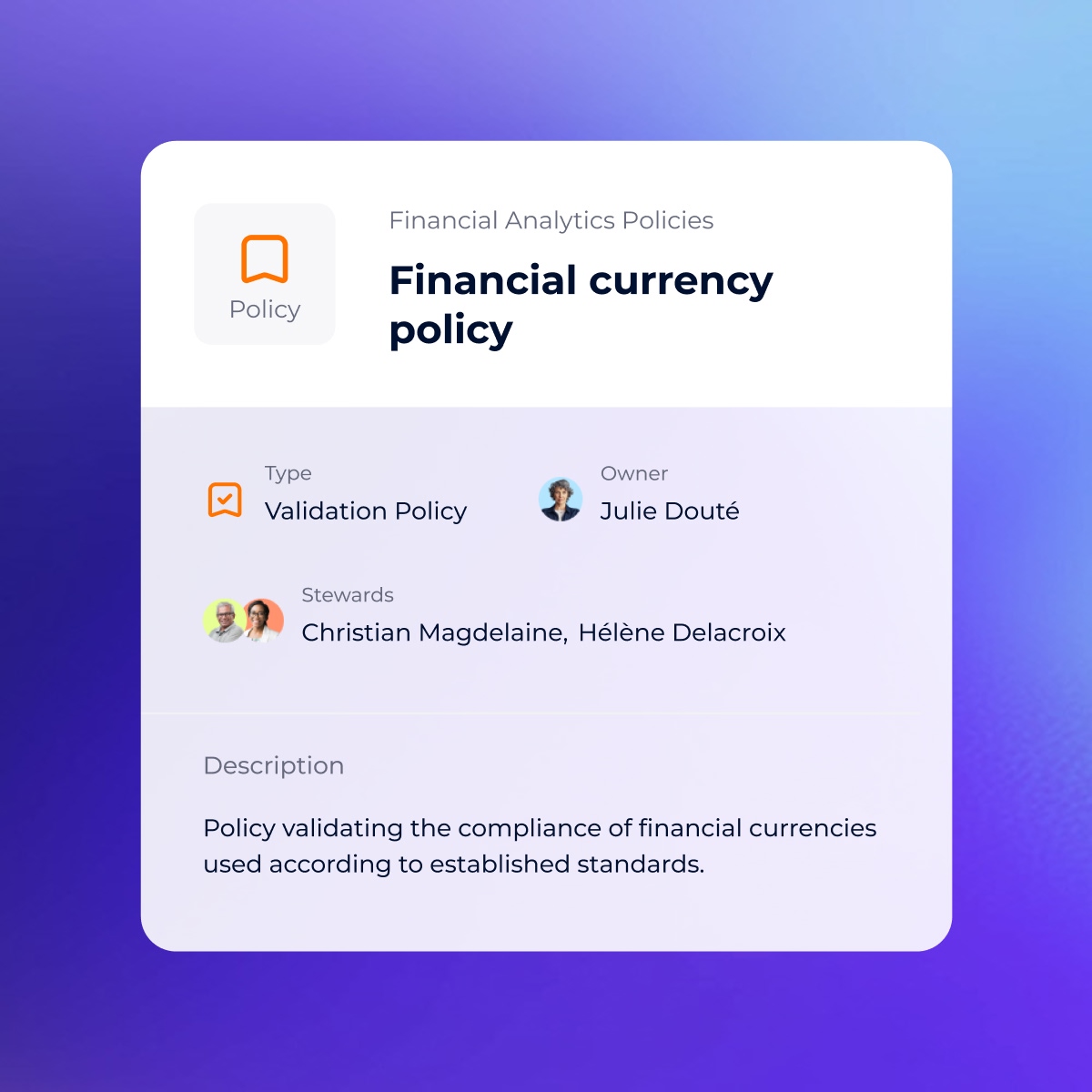
Empower governed self-service
Make it easy for users to explore data freely, while ensuring they’re using certified sources.
With built-in trust indicators and data owners linked to each field, the Looker integration brings governance into everyday analytics without friction.
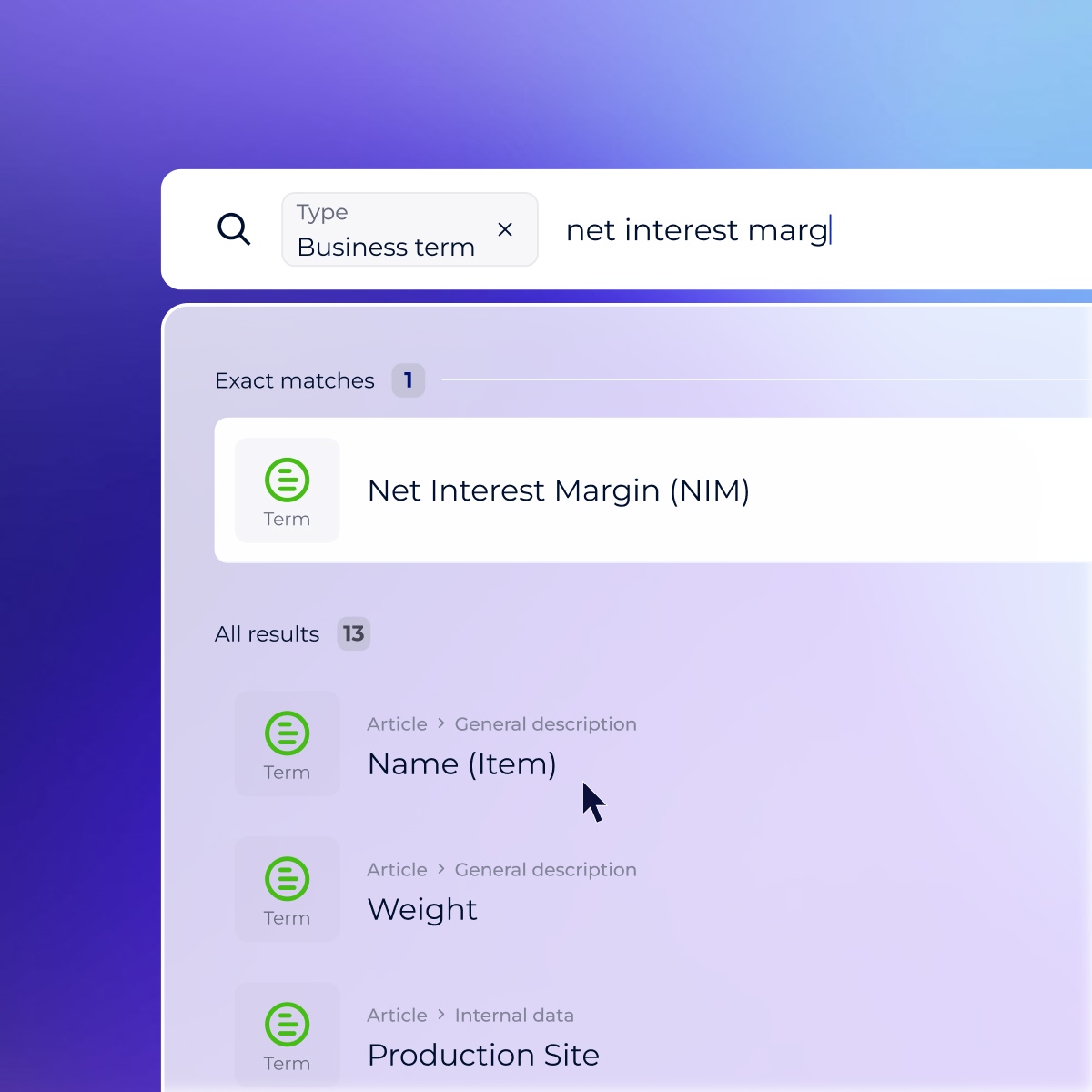
Access all your asset information directly from your browser
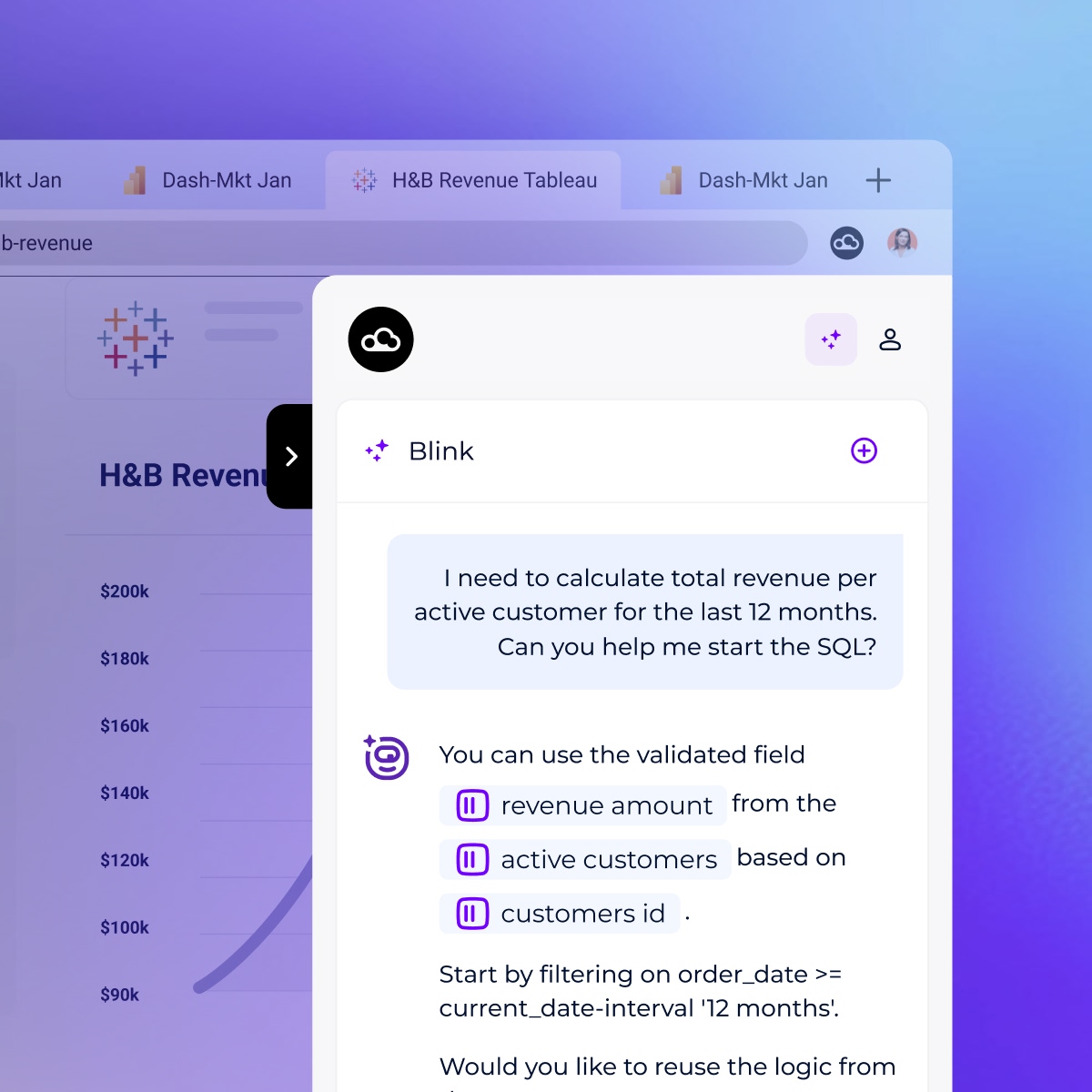
Unlock detailed insights and observability into your data assets directly within Snowflake using the Google Chrome and Microsoft Edge DataGalaxy browser extensions.
This tool integrates seamlessly into Snowflake, providing real-time access to crucial information like data ownership, tags, and PII (Personally Identifiable Information) status.

Request a demo
Trusted by data leaders worldwide – Rated 4.8/5 on G2
Questions we hear a lot about Looker
- Can users access metadata directly in the Looker interface?
-
Absolutely. With the DataGalaxy browser extensions for Chrome and Edge, users can access detailed metadata—including ownership, tags, glossary terms, and PII status—directly within the Looker interface, without leaving their analysis environment.
- How does DataGalaxy enhance self-service analytics in Looker?
-
DataGalaxy empowers self-service by providing contextual metadata—like field descriptions, owners, and certified status—right within Looker. Users no longer need to rely on Slack threads or data teams to interpret metrics; they can explore with built-in governance and confidence.
- How does DataGalaxy integrate with Looker?
-
DataGalaxy connects to Looker to ingest metadata from explores, views, models, and dashboards. This enables full visibility into how business users are consuming data, and brings Looker assets into the broader governance layer.
- What does the Looker integration with DataGalaxy enable?
-
The integration bridges Looker’s BI exploration with DataGalaxy’s governance framework. It allows users to see business definitions, ownership, glossary links, and trust indicators directly within Looker dashboards and explores—ensuring confidence in every metric and field used.
- What is Looker?
-
Looker is a modern business intelligence (BI) and data visualization platform that helps teams explore, analyze, and share real-time data insights. With DataGalaxy’s integration, users gain in-dashboard visibility into definitions, lineage, ownership, and governance directly in Looker—empowering confident, self-service analytics.