Connect Power BI to DataGalaxy to enrich your BI environment with business context, governance, and traceability directly where decisions happen.

What the Power BI connector unlocks
Enriched dashboards with business context
Surface definitions, owners, glossary terms, and trust indicators directly inside Power BI.
Self-service with confidence
Empower users to explore and analyze governed data without relying on manual guidance.
End-to-end lineage
Trace data from dashboard to source, with visibility into transformations and dependencies.
Better decisions, faster
Reduce uncertainty, eliminate rework, and speed up insights with trusted, documented data.
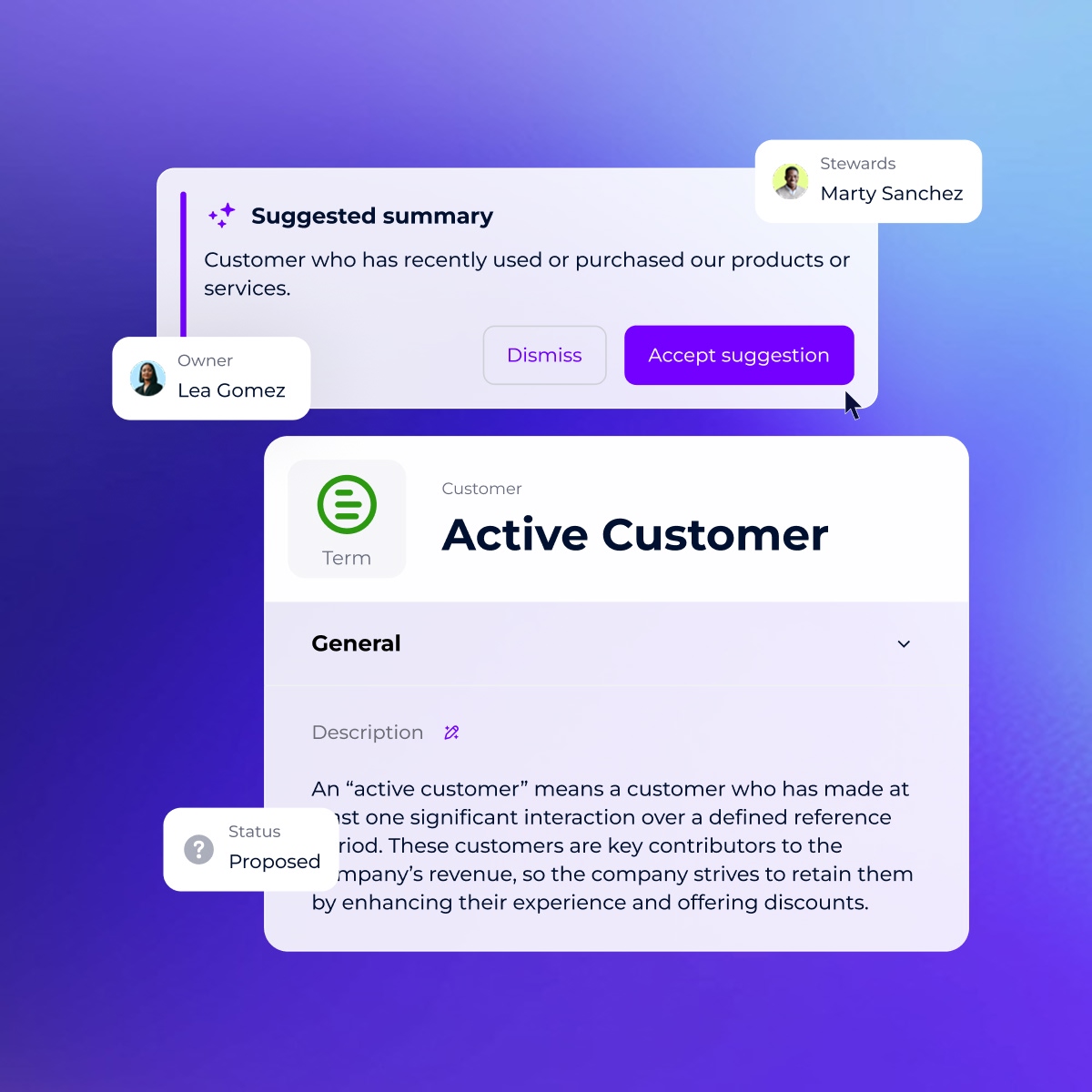
Understand the meaning behind every visual
With Power BI connected to DataGalaxy, users can access definitions, ownership, and trust indicators directly within their dashboards.
No need to leave Power BI or ping data teams, they explore and analyze data with full confidence in what they’re seeing.
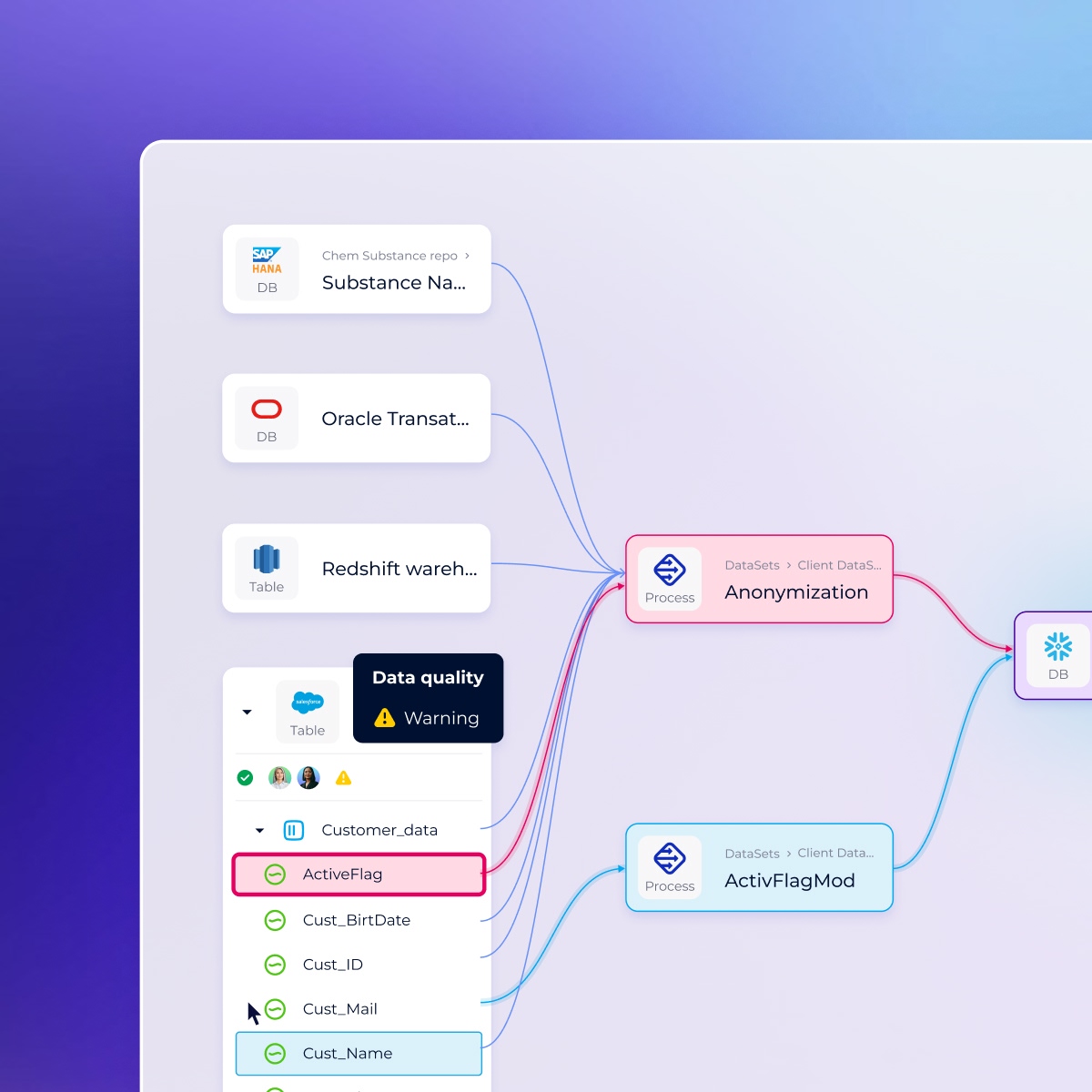
Navigate from insight to lineage
Visualize where the data comes from, how it’s transformed, and who owns it.
Power BI users gain direct access to DataGalaxy’s lineage and metadata, enabling faster root cause analysis, better impact assessments, and more responsible use of data.
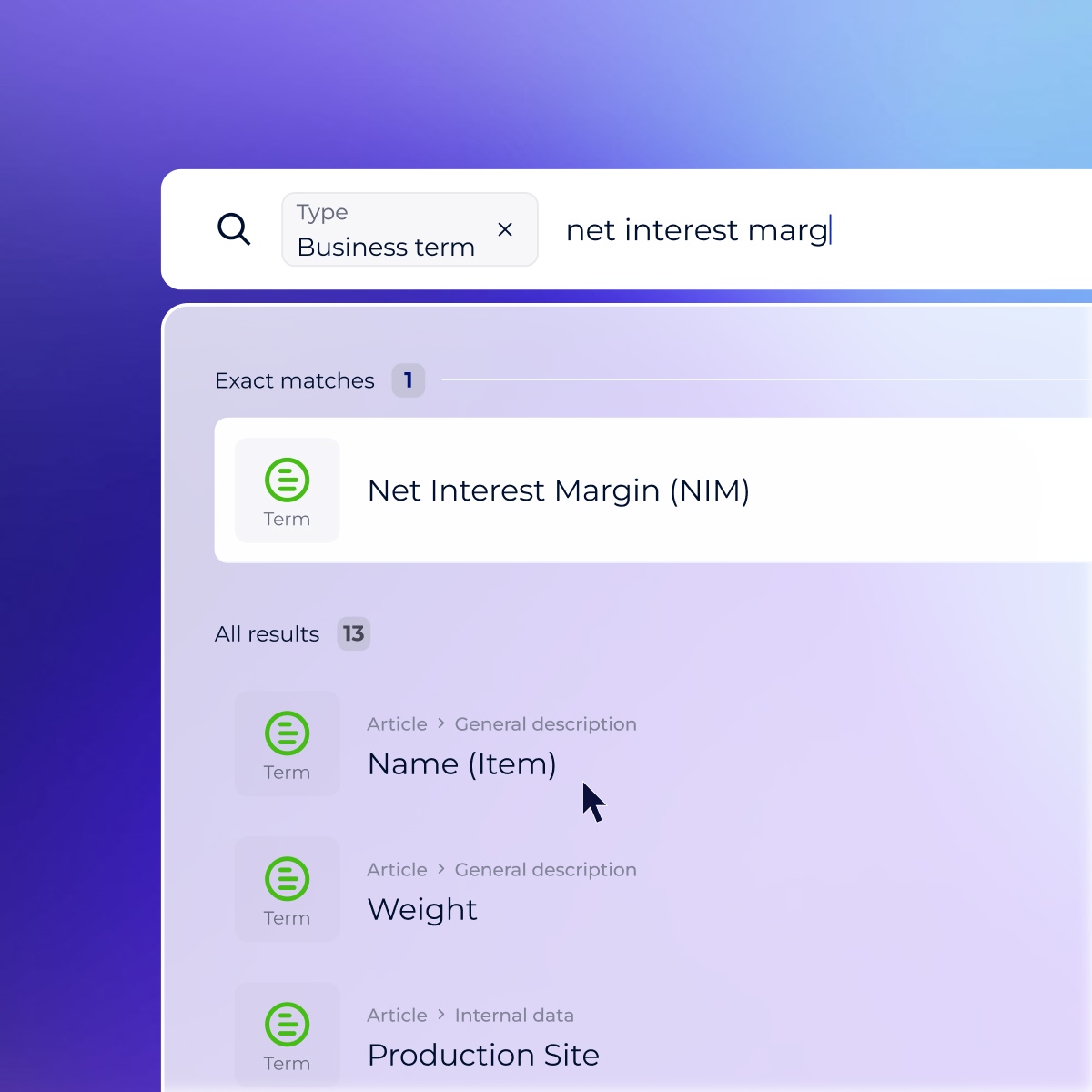
Strengthen self-service with governance
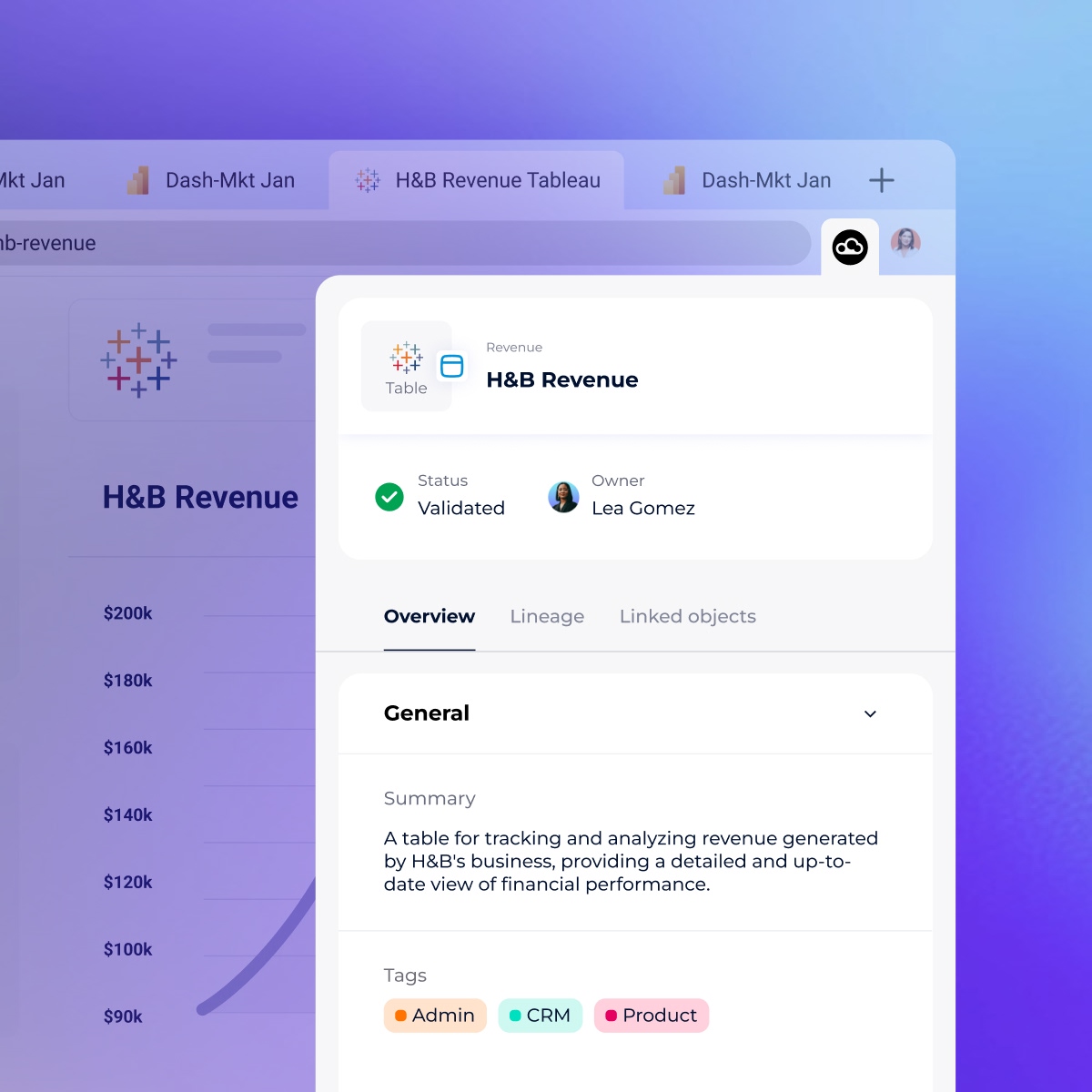
Access all your asset information directly from your browser
Unlock detailed insights and observability into your data assets directly within Power BI using the Google Chrome and Microsoft Edge DataGalaxy browser extensions.
This tool integrates seamlessly into Power BI, providing real-time access to crucial information like data ownership, tags, and PII (Personally Identifiable Information) status.
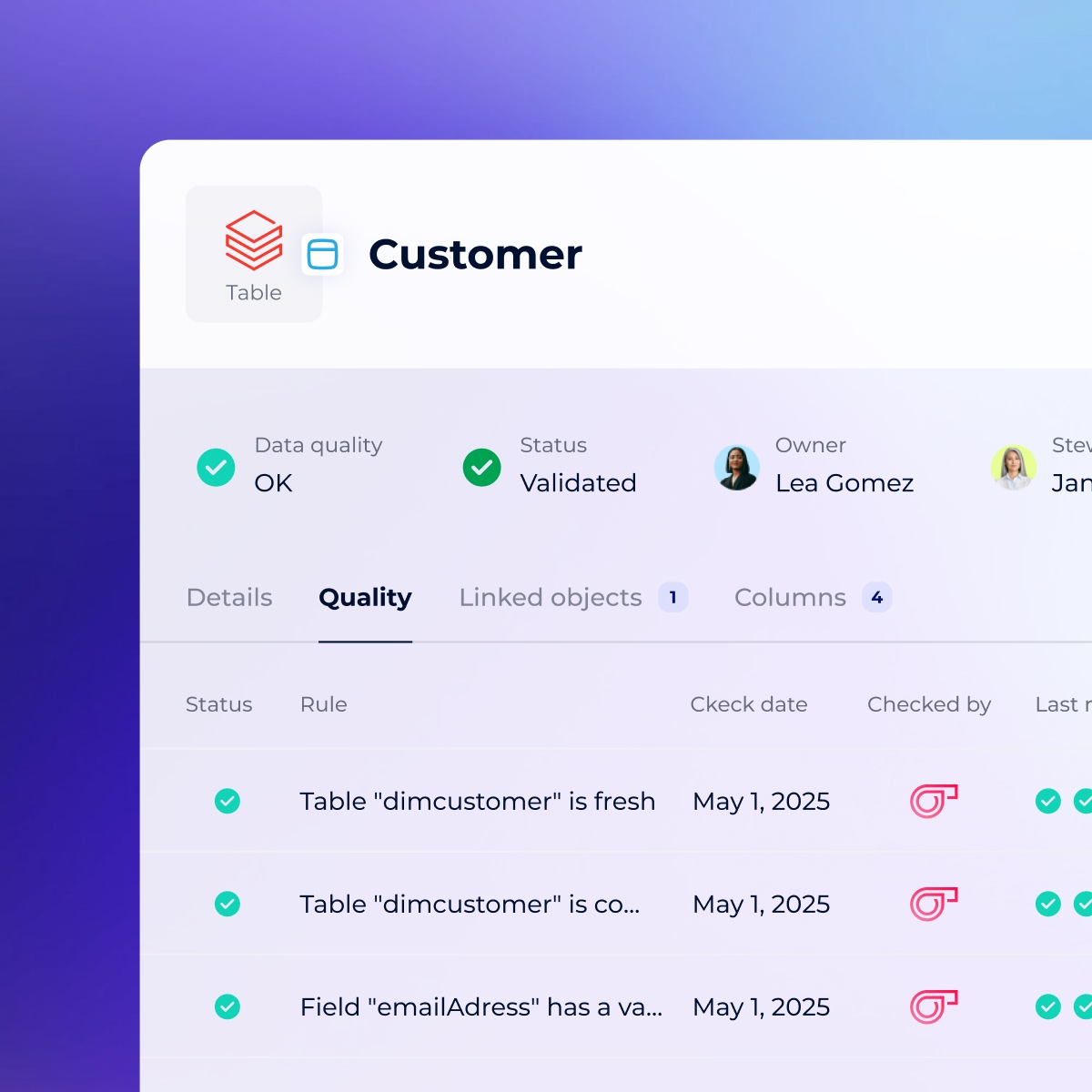
Build trust with data quality metrics
Quickly identify and resolve data quality issues, leverage Snowflake’s Data Metric Functions, and oversee your data health.
Track and manage data quality issues to build full trust in your data by leveraging Snowflake’s Data Metrics Functions, ensuring accurate decision-making and delivering AI-ready data.
Access all your asset information directly from your browser
Unlock detailed insights and observability into your data assets directly within Snowflake using the Google Chrome and Microsoft Edge DataGalaxy browser extensions.
This tool integrates seamlessly into Snowflake, providing real-time access to crucial information like data ownership, tags, and PII (Personally Identifiable Information) status.

FAQ
- What is Power BI?
-
Power BI is a Microsoft analytics platform that enables teams to visualize, share, and collaborate around dashboards and reports.
- Why use a data catalog with Power BI?
-
DataGalaxy ensures Power BI dashboards are powered by trusted, well-documented data — no more guesswork around KPIs or source tables. It also surfaces lineage, ownership, and definitions alongside visualizations.
- What does the Power BI and DataGalaxy integration enable?
-
The integration brings business context and data governance directly into Power BI. Users can view definitions, ownership, glossary terms, and trust indicators inside dashboards—making it easy to understand and trust the data behind every visual, without leaving Power BI.
- How do business users access metadata within Power BI?
-
Through DataGalaxy’s browser extensions for Chrome and Edge, users can view metadata—like ownership, tags, glossary links, and PII status—directly within the Power BI interface. This creates a seamless analytics experience enriched with trusted context.
- Can I view end-to-end lineage for Power BI reports?
-
Yes. The connector provides full lineage visibility from Power BI dashboards back to the data source, including intermediate transformations. This supports faster root cause analysis, impact assessment, and a better understanding of how insights are generated.