About the author: Max Faivre
Product Marketing Manager
This month’s DataGalaxy updates focus on making it easier to find the right information, explore relationships across your data, manage access, and understand how AI is being used across your organization.
From more flexible lineage exploration to new MCP Server capabilities and greater visibility into AI usage, here’s what’s new in DataGalaxy.
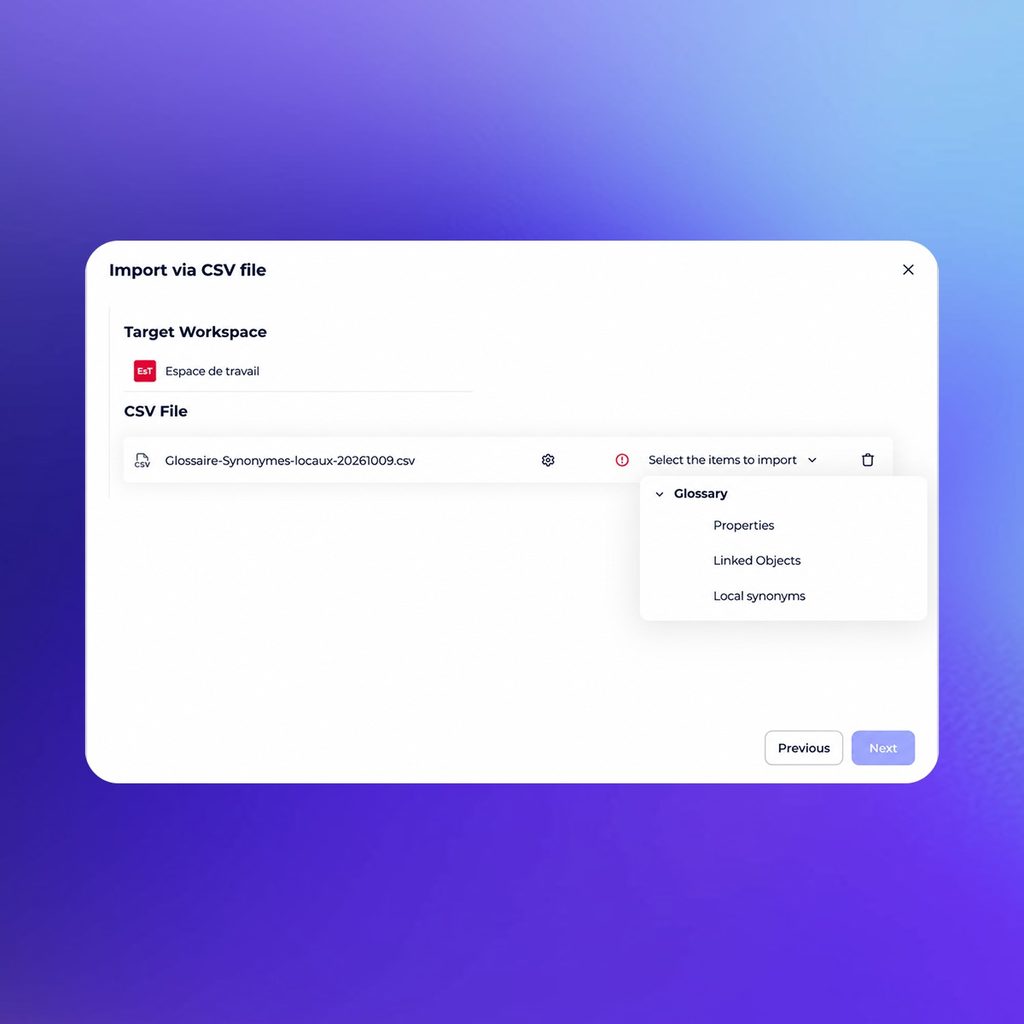
Different teams often use different words for the same business concept.
You can now export and update local synonyms through CSV, making it easier to manage alternative terms, acronyms, and internal vocabulary across your glossary.
Export your glossary, a specific object, or a filtered view, add or update synonyms in the CSV file, then import it back into DataGalaxy.
This makes it easier for users to find the right glossary object, whether they search for “customer,” “account,” “buyer,” or another term used across the organization.
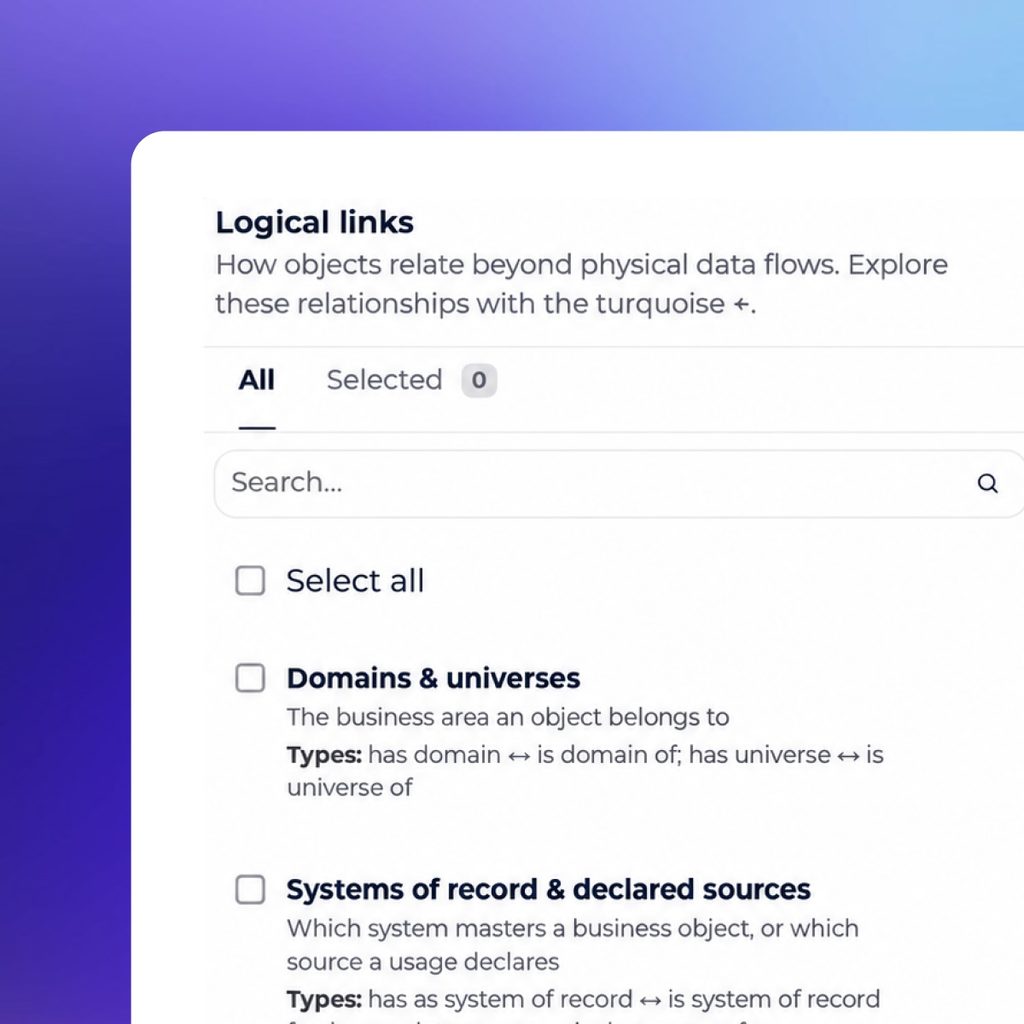
Lineage can contain both technical dependencies and broader business relationships. New filters make it easier to decide which context you want to explore.
You can now distinguish between:
Physical lineage remains enabled by default, while logical links can be added whenever you need a broader view of how an object connects to the rest of the catalog.
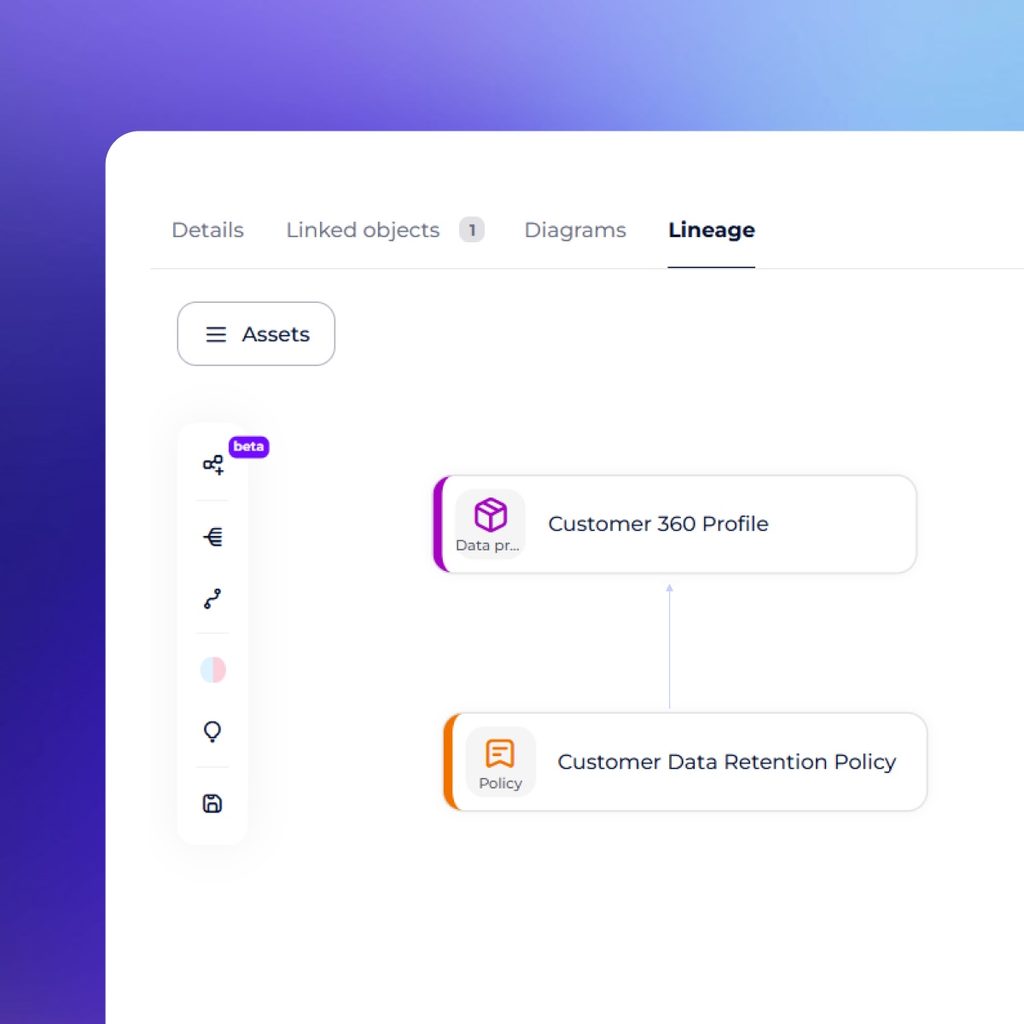
Lineage is now available for additional DataGalaxy objects, including governance objects such as policies and rules, as well as Data & AI Products.
This gives teams more context around how governance, business, and technical assets relate to one another.
By enabling logical links, you can explore these relationships directly from the lineage view and understand how an object fits into the wider data ecosystem.
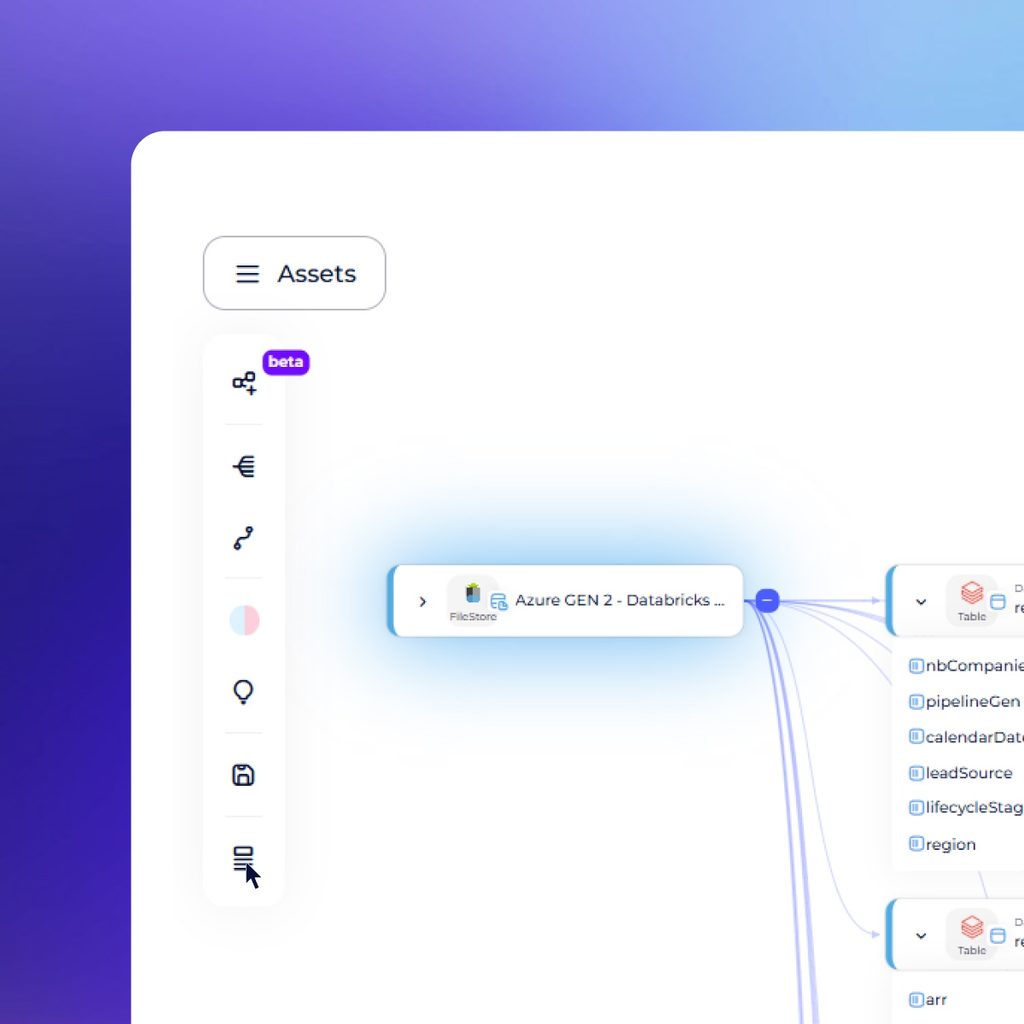
Exploring complex structures no longer requires opening every level manually.
From a lineage node, you can now display all descendant objects in one click.
The descendant nodes remain collapsed, keeping the view readable while giving you control over how much detail you want to explore.
This makes it faster to navigate nested structures while keeping large lineage views manageable.
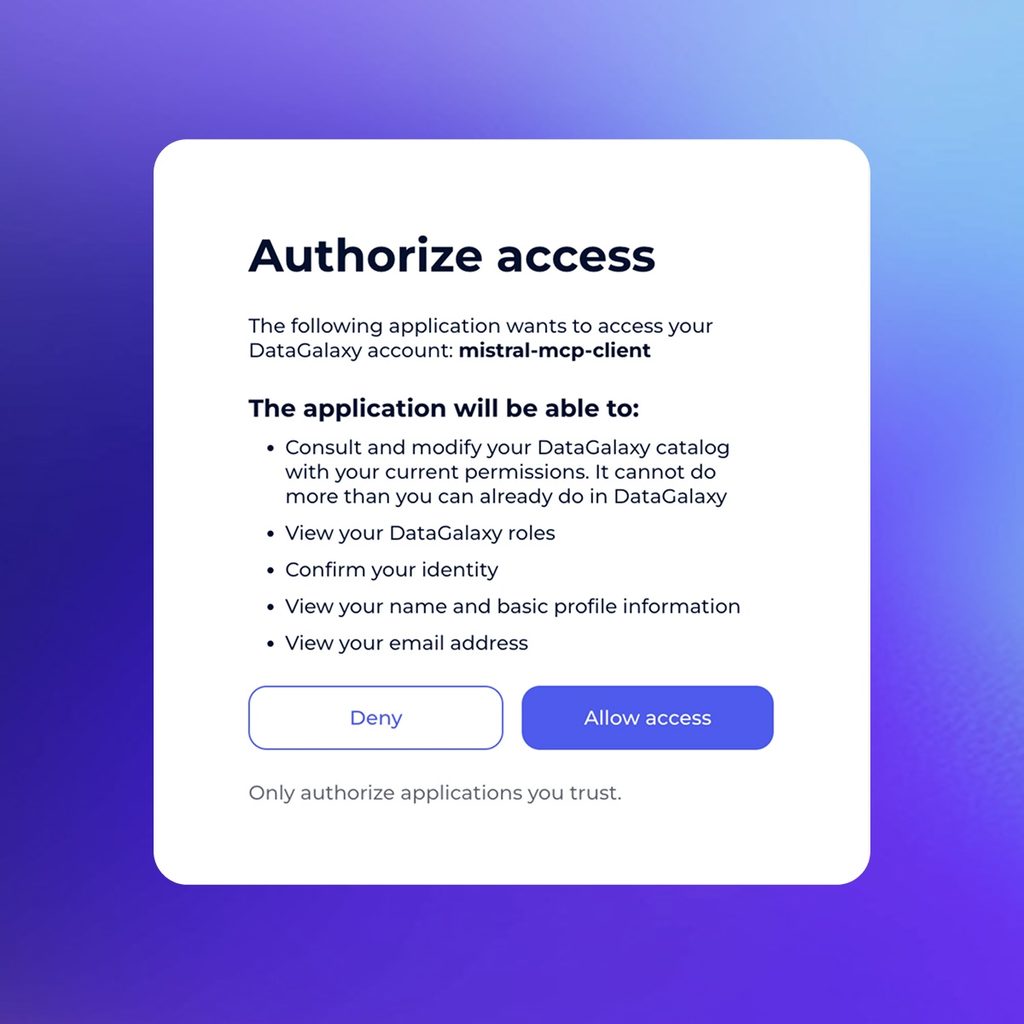
The DataGalaxy MCP Server now supports OAuth authentication alongside Personal Access Tokens.
OAuth simplifies authentication by removing the need to manually manage access tokens and makes it easier to connect DataGalaxy context to AI tools and development environments.
It also expands compatibility with tools including Claude, Microsoft Copilot, GitHub Copilot, VS Code, and Mistral.
Giving an AI agent access to metadata is useful. Giving it guidance on how to use that metadata can make it much more effective.
The DataGalaxy MCP Server now includes a get_skill tool that can guide AI agents step by step through common catalog and governance tasks.
For example, an agent can use a skill to help:
Users remain in control and can disable the tool or instruct the AI not to use it.
This helps teams provide agents with both the context they need and a clearer method for working with it.
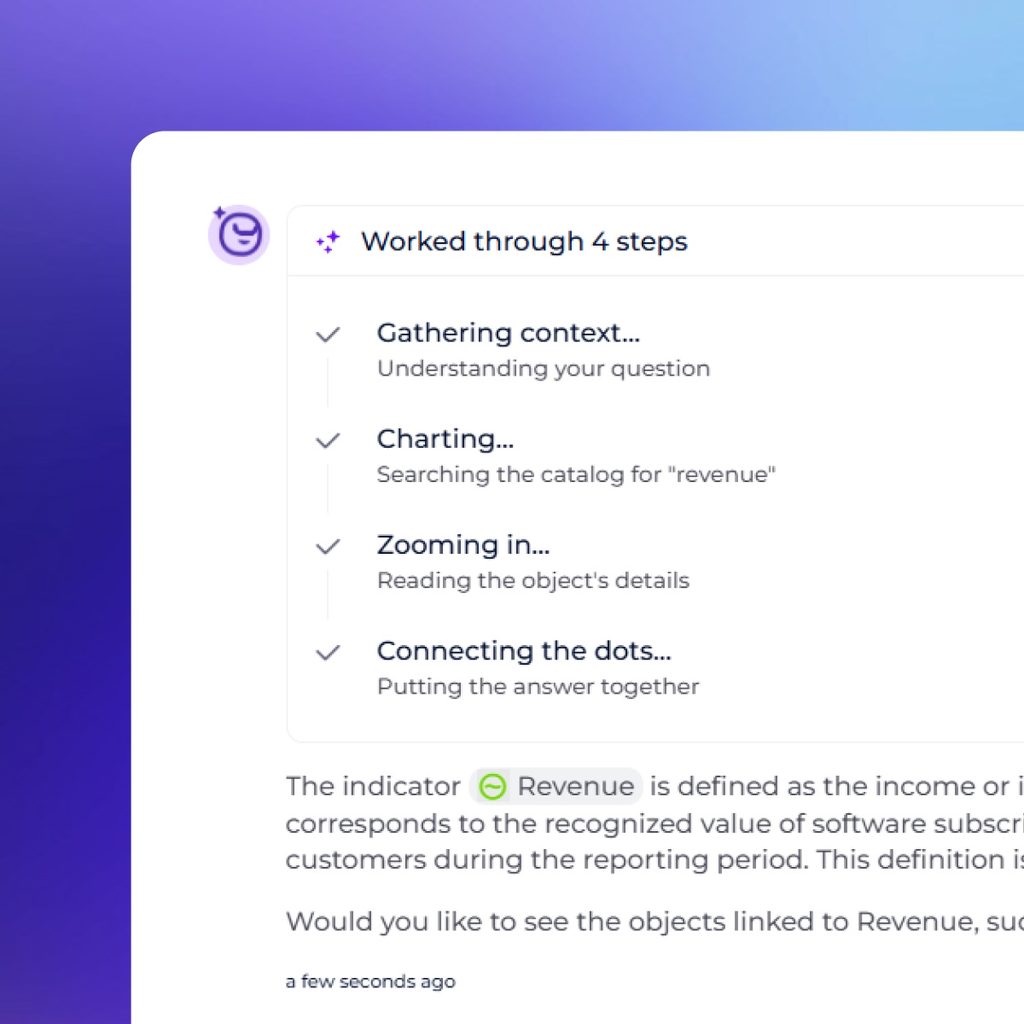
Blink now streams answers as they are generated and displays the main processing steps along the way.
Instead of waiting for the complete response, users can follow its progress in real time.
You can also stop an answer or start typing your next question while Blink is still responding, making conversations faster and more fluid.
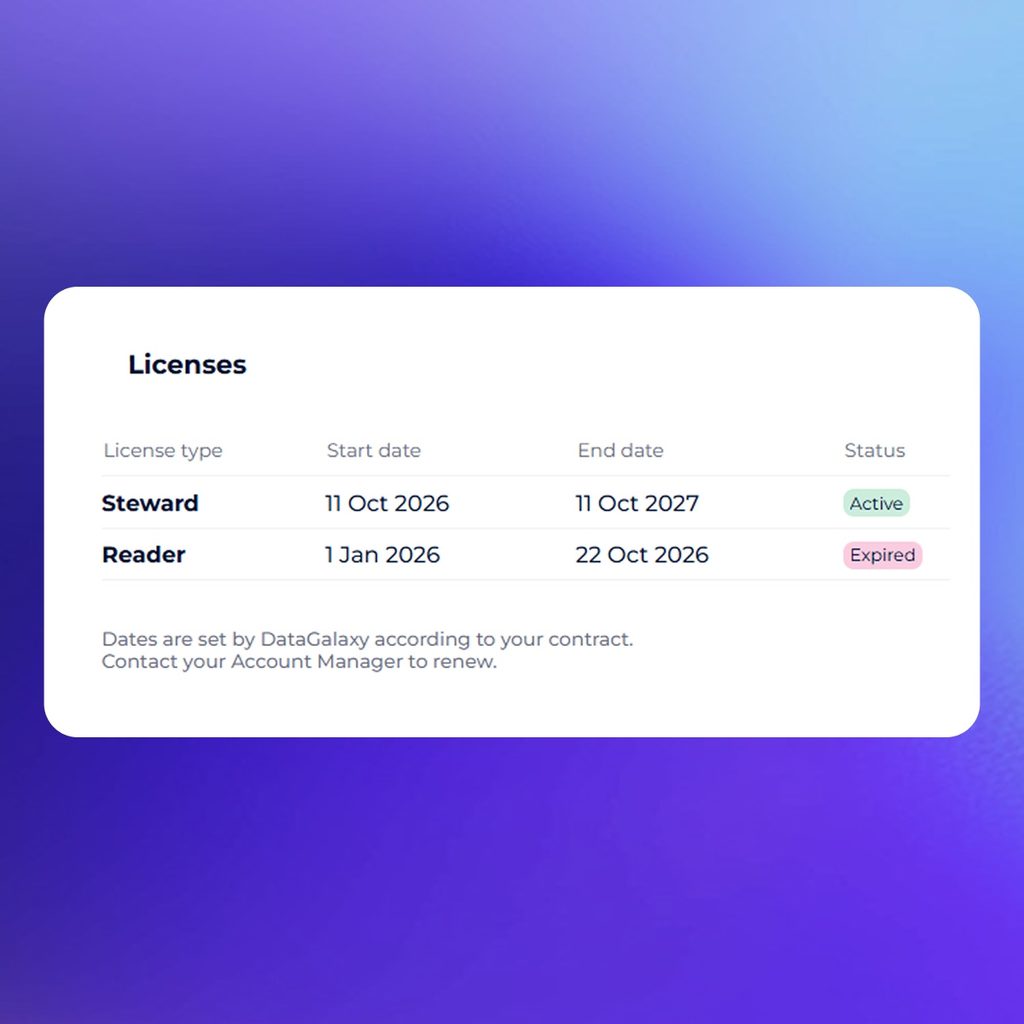
Administrators can now see the start date, end date, and status of each license type directly in DataGalaxy.
The new Licenses section under Administration > Details provides a clearer view of license validity periods, making it easier to anticipate upcoming renewals.
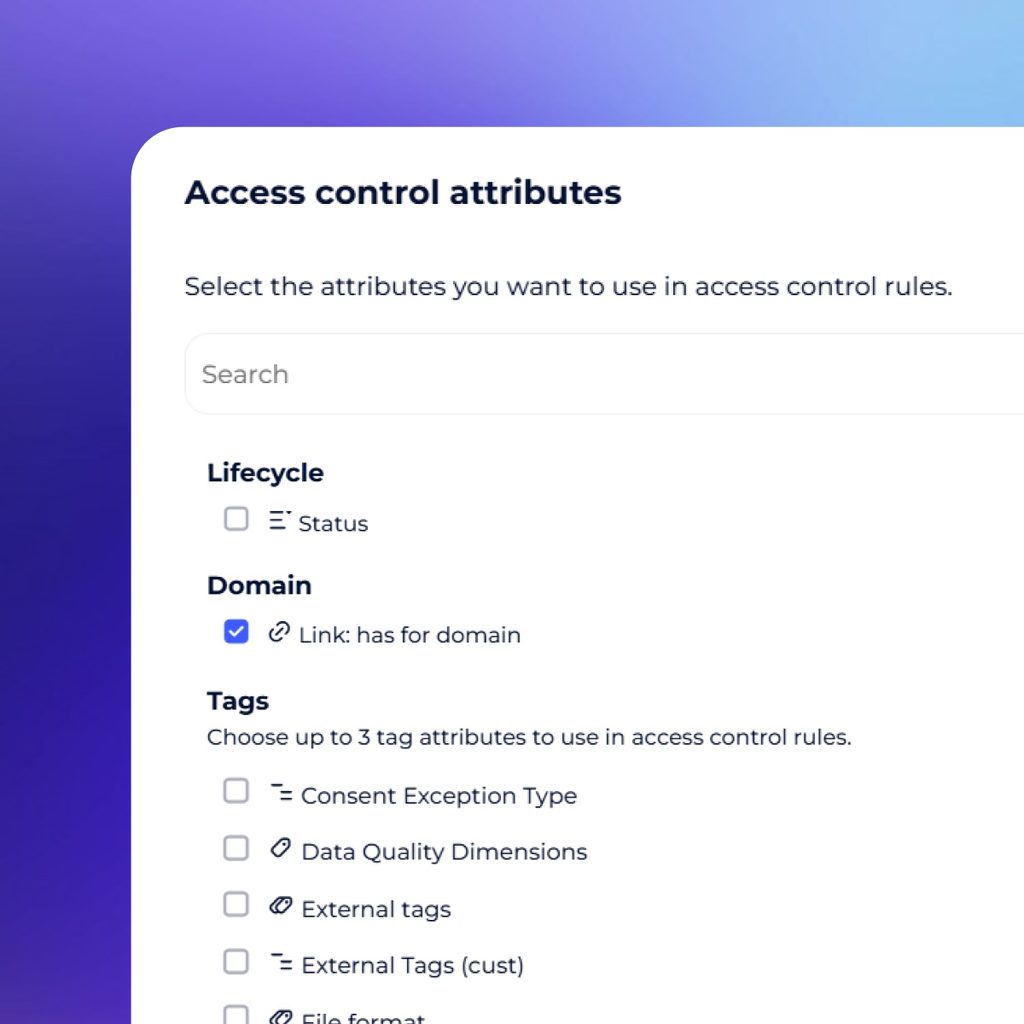
Access rules can now use object tags and status values as criteria.
This gives administrators more flexibility to define access based on the context of an asset rather than configuring permissions object by object.
For organizations managing a large and evolving catalog, these additional criteria can help reduce manual configuration and make access policies easier to scale.
These updates share a common goal: making the knowledge captured in DataGalaxy easier to find, explore, govern, and reuse.
Whether teams are navigating lineage, connecting AI agents through MCP, monitoring AI usage, or managing access across the catalog, DataGalaxy continues to bring technical, business, and governance context together so users can act with greater confidence.
Product Marketing Manager