About the author: Max Faivre
Product Marketing Manager

Every release should make your catalog easier to run, not harder to keep up with. This round covers five updates: simpler user offboarding, an AI agent that can now update your catalog directly, more control over your connectors, clearer activity logs, and flexible session timeouts for admins. There’s also a fresh batch of MCP Server setup guides if you’re connecting DataGalaxy to your favorite AI tools.
Let’s get into it.
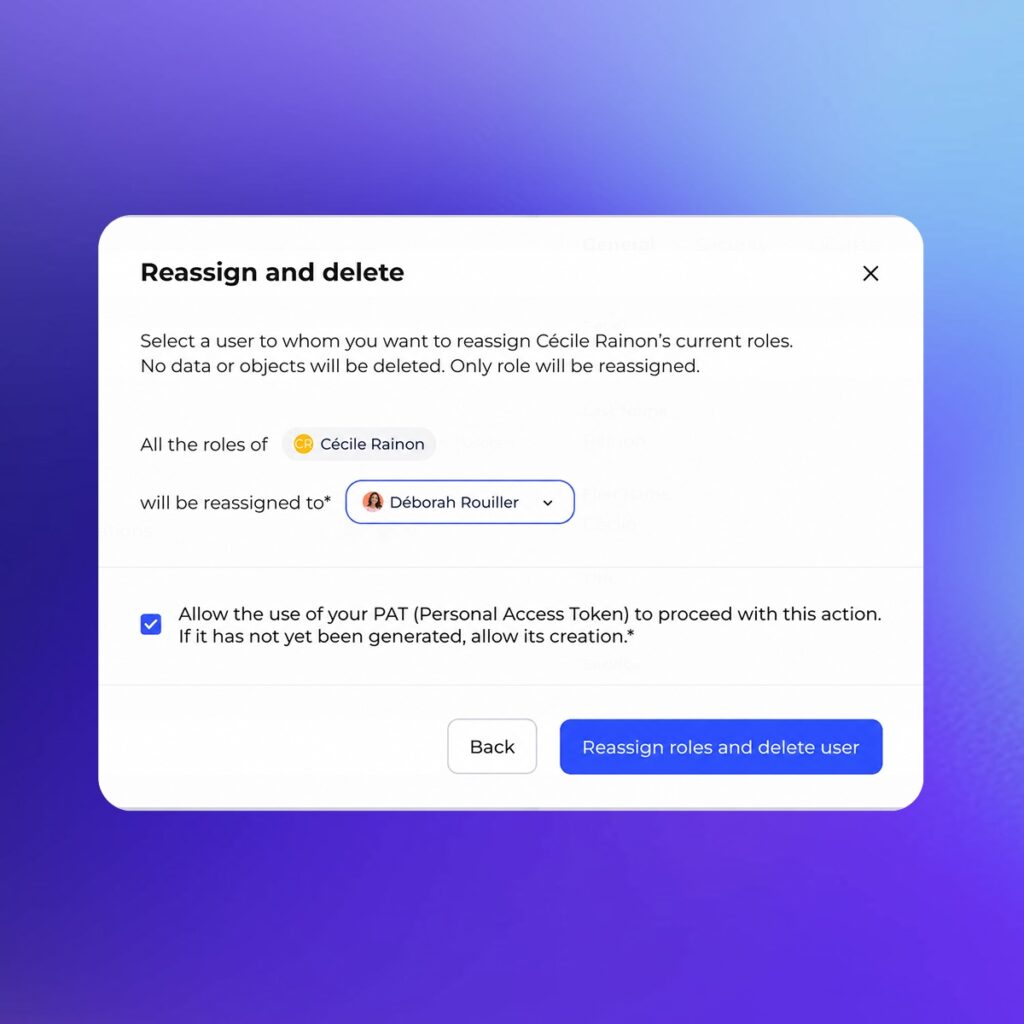
Someone leaves the team, and their catalog contributions shouldn’t leave with them.
With User Swap, admins can now reassign a departing user’s roles to someone else before deleting the account. No more hunting across workspaces to manually reassign ownership, one field at a time. Every reassignment stays fully visible and traceable, so you always know who owns what and why.
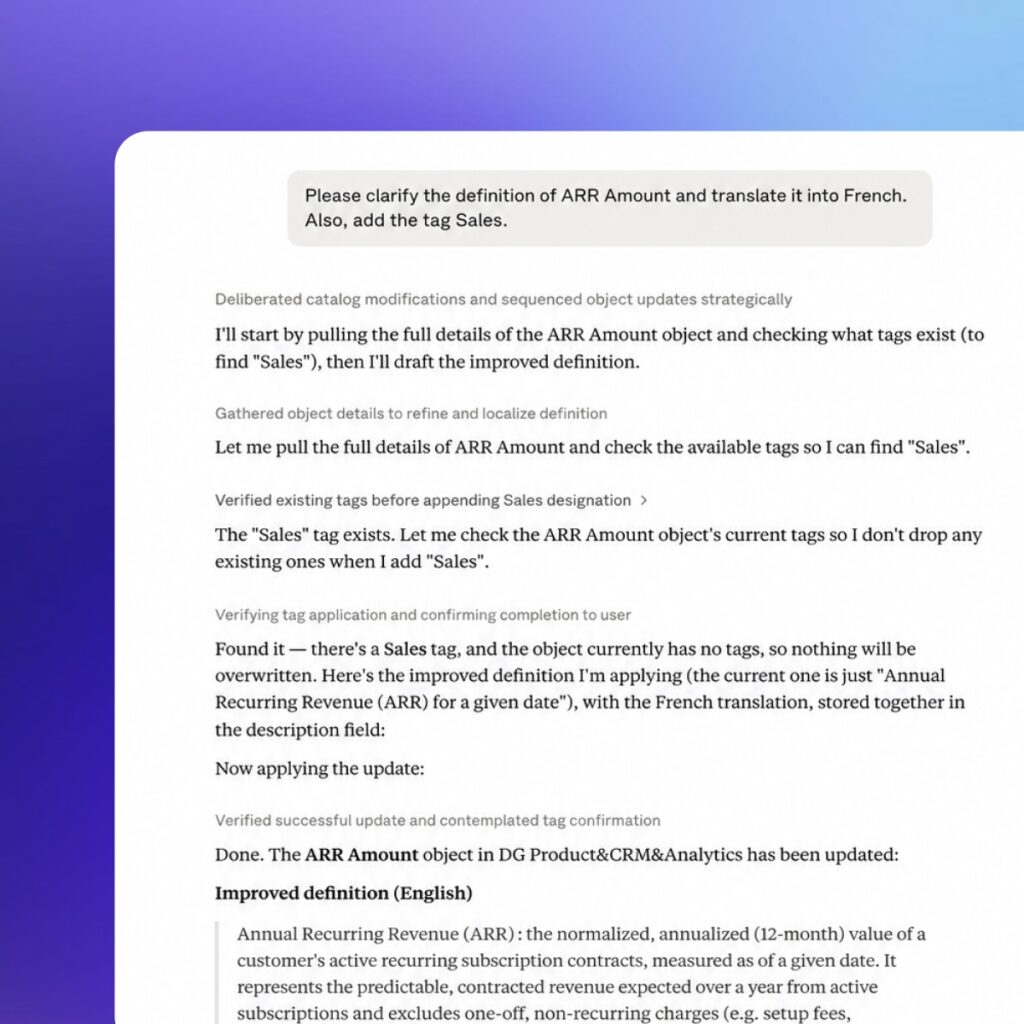
MCP Server already let your AI agent read governed context from DataGalaxy. Now it can write back.
Your agent can update catalog objects directly: generate and refine descriptions, assign tags and statuses, set owners and stewards, and enrich custom attributes, drawing on user input, related objects, or its own analysis. That’s less time your team spends on repetitive metadata upkeep, and a catalog that stays current with less manual effort from anyone.
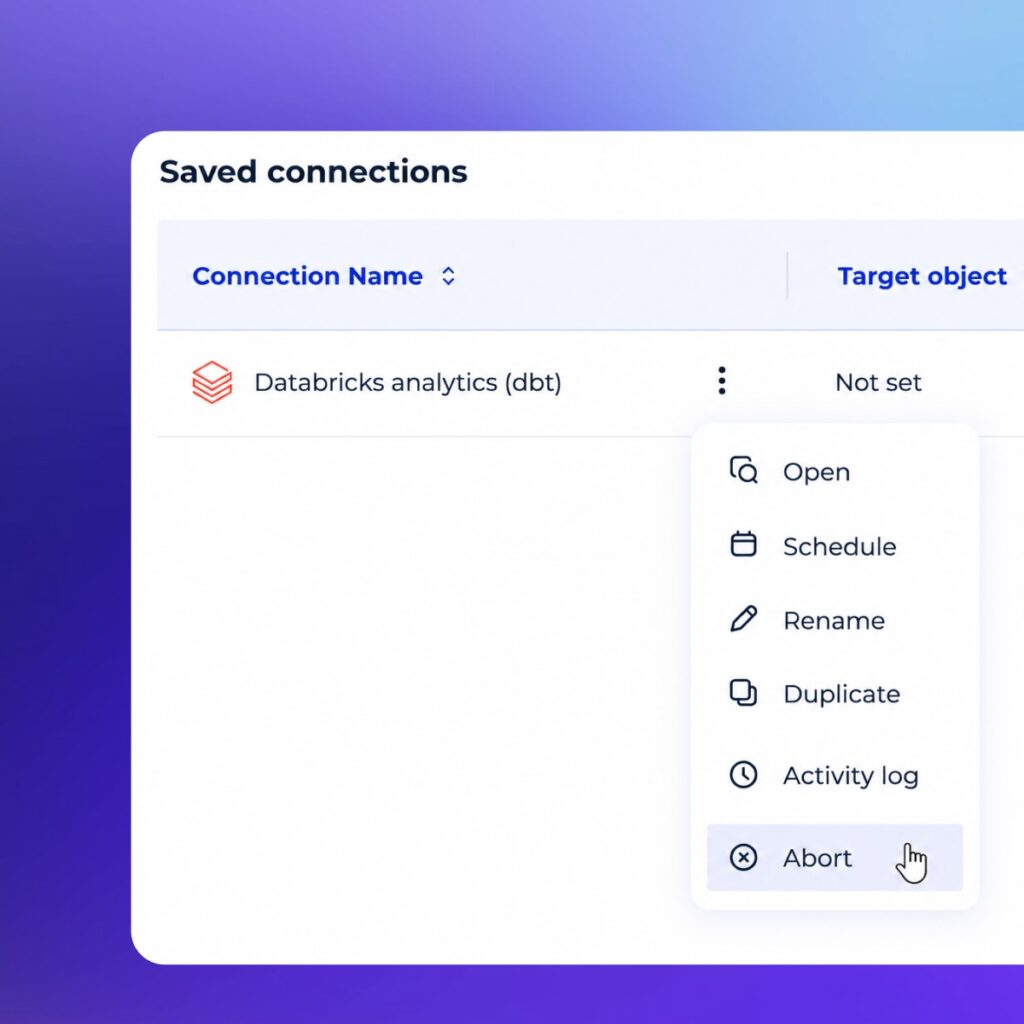
Launched a connector with the wrong config? Need to interrupt one mid-run? You can now stop a running Online connector directly from the connection menu.
The new Abort option takes a few clicks and saves you the compute usage (and the cost) of letting a bad run finish anyway.
We’re rolling out clearer, more structured activity logs on catalog objects. Better filtering means you can see who changed what, and when, without digging through noise.
That makes object history easier to explore, issues faster to investigate, and your data knowledge easier to stay on top of. This update is rolling out progressively across DataGalaxy platforms, so you may see it land in stages.
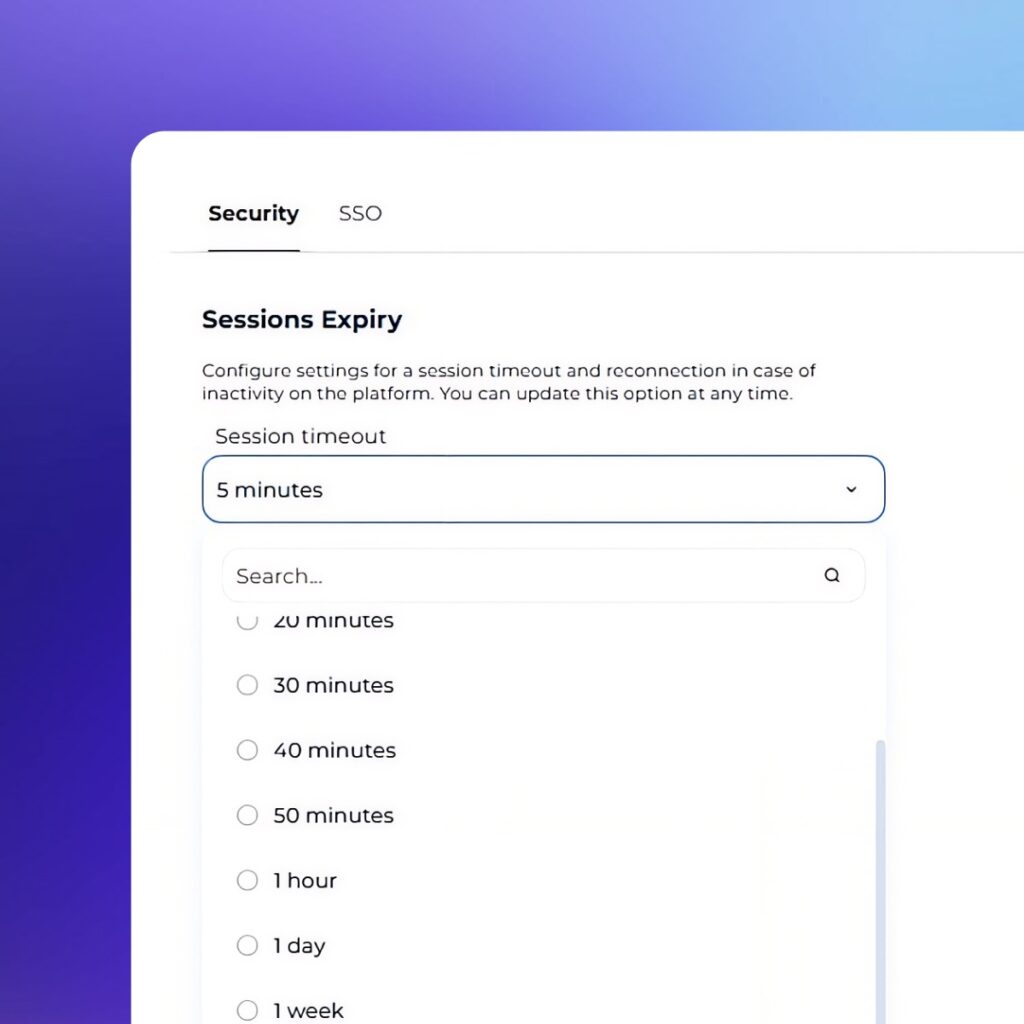
Security policies vary team to team, so your session settings should too. Administrators can now configure inactivity timeouts anywhere from 5 minutes to 1 year, matching session duration to whatever your organization requires.
Bringing customers, partners, and the wider data community together to trade ideas is what makes an event like this worth having. Thank you for showing up and for the conversations you brought with you. We’re already looking forward to the next one.

Product Marketing Manager